Arma 3 Jets DLC - Steam (Global)
- Product typeDLC
- PlatformSteam
- RegionGlobalActivates everywhere except: Belarus, Russia
- LanguageUkrainian, English, Russian, French, Italian, German, Spanish, Czech, Polish, Portuguese, Japanese, Korean, Chinese, Turkish, Bulgarian, Hungarian, Slovak
- GenreAction / Simulation
- Game modesSingleplayer, Multiplayer
- Release dateMay 16, 2017
Product description
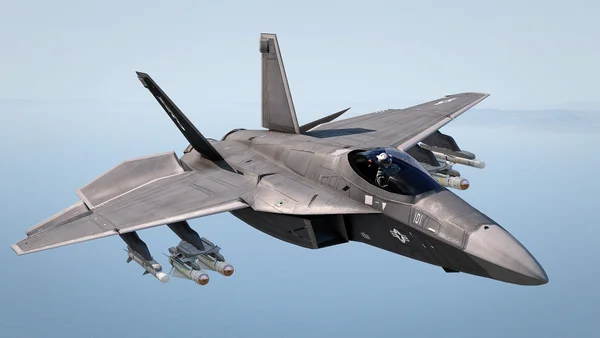
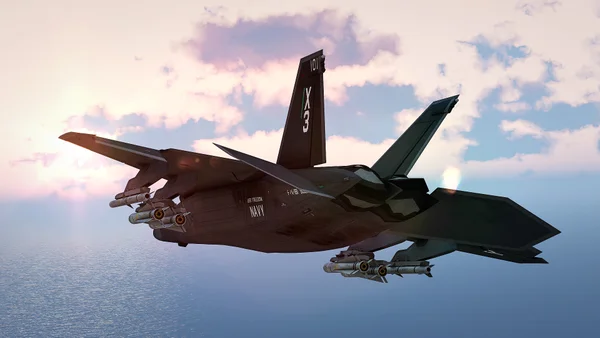
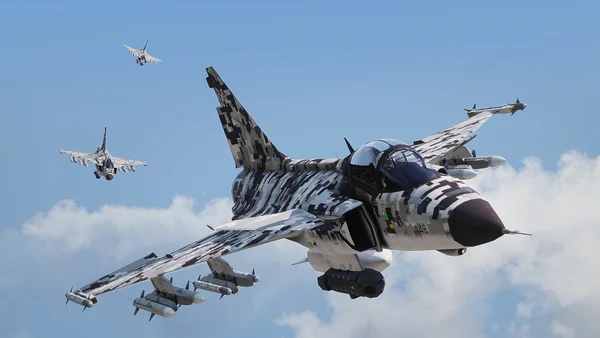
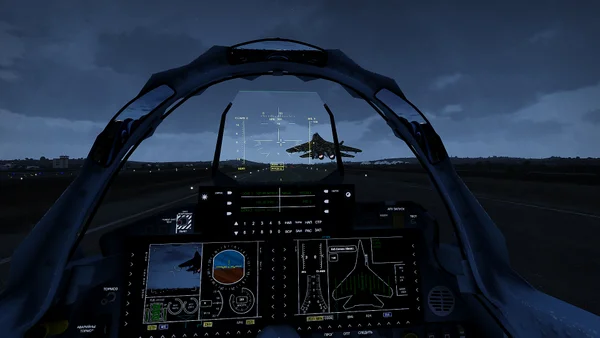
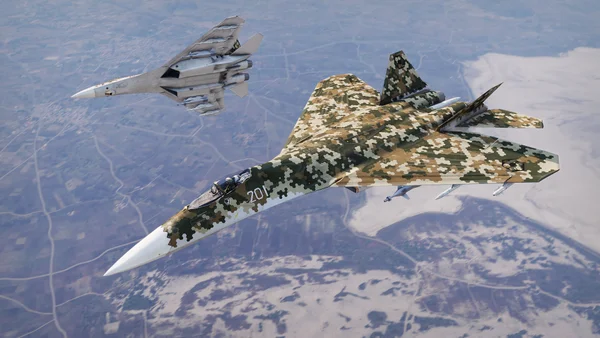
Arma 3 Jets takes the fight to the sky. The DLC adds new air-superiority jets and advanced targeting systems for shooting down the enemy.
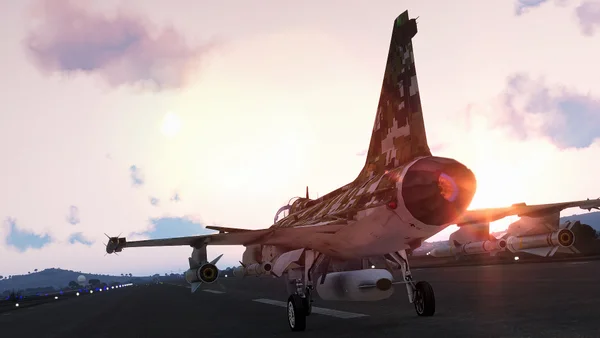
It includes three fighter jets, the F/A-181 Black Wasp II, the To-201 Shikra and the A-149 Gryphon, plus the Sentinel unmanned combat aerial vehicle. The Black Wasp II is equipped for carrier operations. The Shikra carries weapons on pylons and in an internal bay. The Gryphon is an affordable multirole jet that performs well at low altitude. The Sentinel is mainly a reconnaissance platform but can also carry out precision ground attacks.
The new Showcase Jets scenario takes you into the skies above Altis for air-to-air and air-to-ground combat.
The DLC launched alongside a free platform update for all Arma 3 owners. It brought a new radar and sensor system for beyond-visual-range combat, a more detailed damage model for fixed-wing aircraft, dynamic vehicle loadouts and the USS Freedom aircraft carrier.
System specifications
Minimum requirements
- OS
- Windows 7 SP1 (64bit)
- Processor
- Intel Dual-Core 2.4 GHz / AMD Dual-Core Athlon 2.5 GHz
- RAM
- 4 GB RAM
- Graphics card
- NVIDIA GeForce 9800GT / AMD Radeon HD 5670 / Intel HD Graphics 4000
- DirectX
- Network
- Storage
- 20 GB free space
- Additional
Recommended requirements
- OS
- Windows 7 / 8 / 10 (64bit)
- Processor
- Intel Core i5-4460 / AMD FX 4300
- RAM
- 6 GB RAM
- Graphics card
- NVIDIA GeForce GTX 660 / AMD Radeon HD 7800 Series
- Storage
- 25 GB free space
Activation instructions
Activation in Steam
- Launch the Steam client and sign in.
- Click “+ Add a Game” in the bottom-left corner of the window (or open the “Games” menu at the top).
- Choose “Activate a Product on Steam”.
- Enter the key you received and follow the on-screen instructions.
Customer reviews
Only authorized users can leave a review
Sign in or registerNo reviews for this product yet
Be the first to leave a review