Currency
0₴549

Nothing found
Try a different query


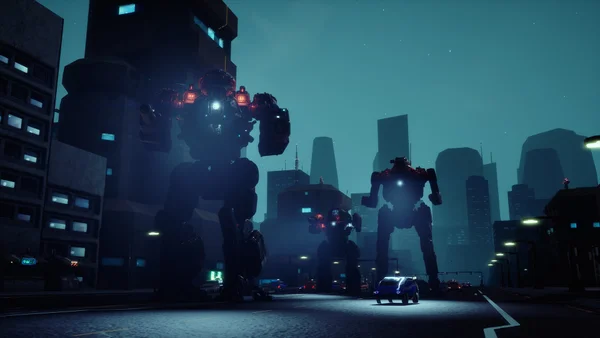

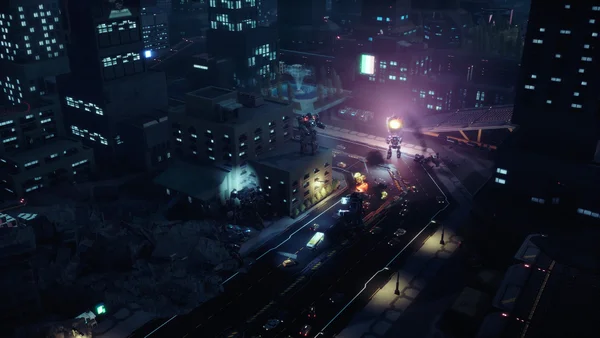
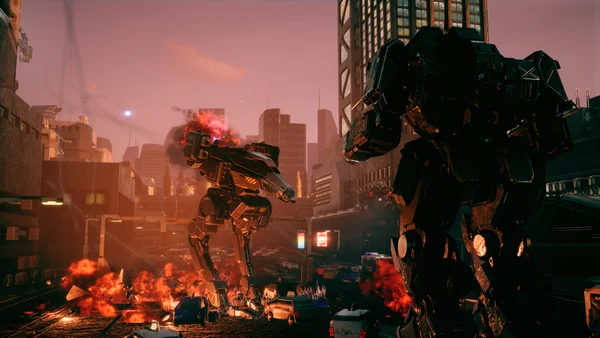
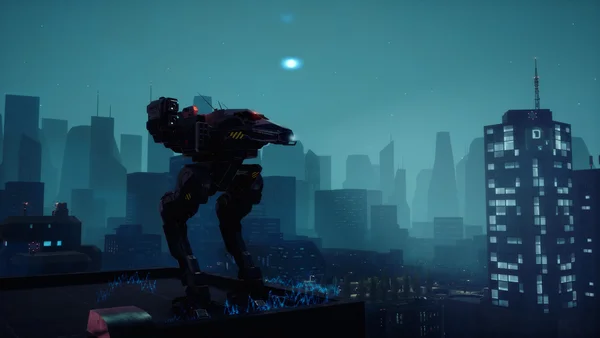
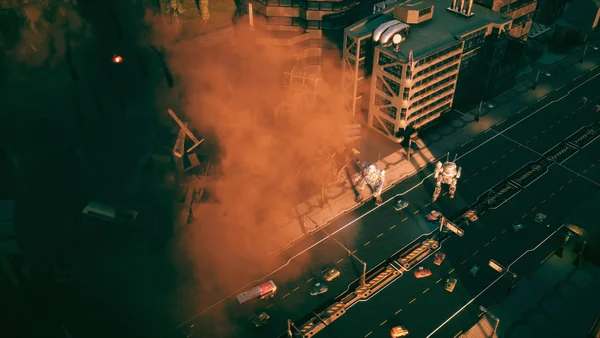
Urban Warfare brings 'Mech combat to the vast cityscapes of the Inner Sphere. Street brawls introduce new tactical challenges as combat moves from wide-open natural landscapes to dense urban sprawl. Every building in the new urban biome is fully destructible, so a few salvos can open a new line of sight or create cover from high-rise rubble.
Destroyed coolant exchanger buildings and broken electrical transformers that disrupt targeting change the battle as it unfolds. Electronic warfare returns: 'Mechs with Electronic Countermeasures (ECM) and nearby friendly units are hidden from enemy targeting and immune to indirect fire, while the Active Probe reveals and targets enemies that would otherwise stay hidden.
The add-on brings two new BattleMechs, the experimental Raven 1X with its electronic warfare package and the Javelin, a compromise between speed and firepower with close-range knockout power. It also adds three new enemy vehicles (the Gallant urban assault tank, the Packrat support vehicle and the Rotunda reconnaissance vehicle), new Flashpoints and the new Attack and Defend mission type.
Only authorized users can leave a review
Sign in or registerNo reviews for this product yet
Be the first to leave a review