Currency
0₴549

Nothing found
Try a different query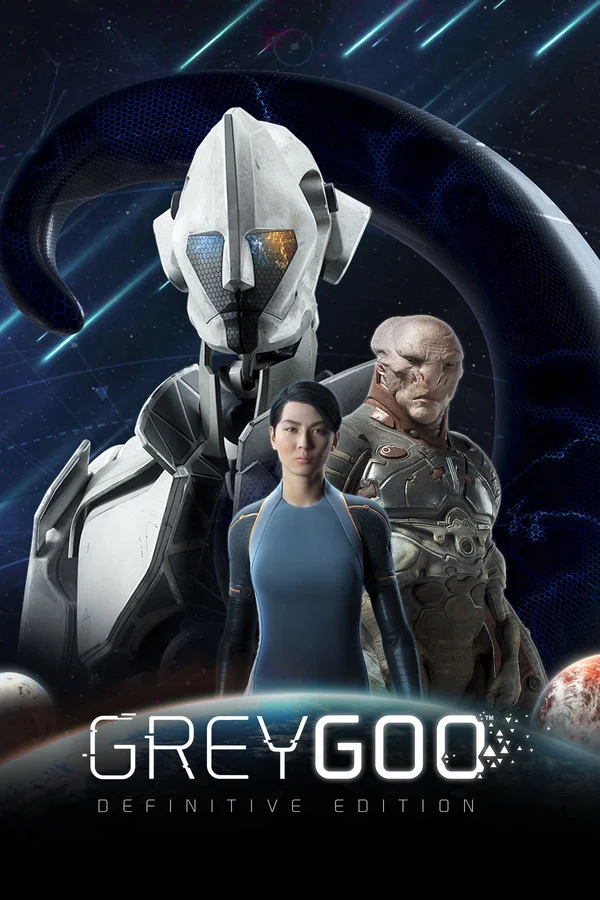


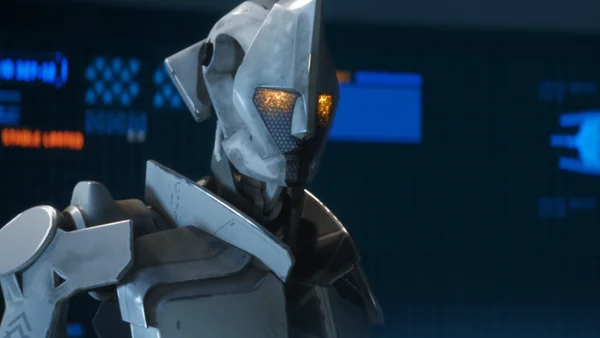
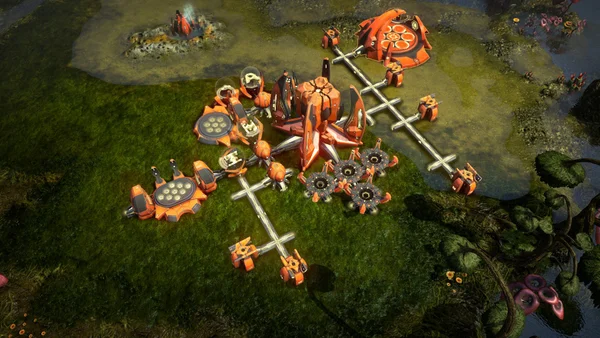
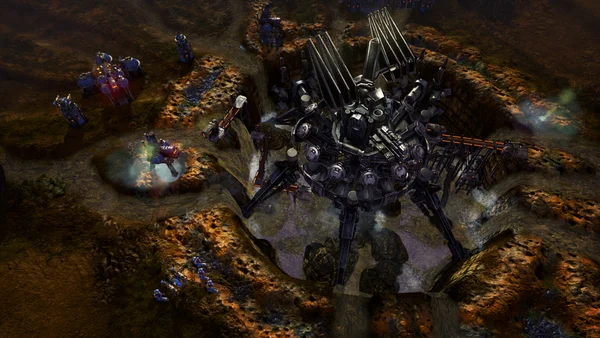
The edition includes:
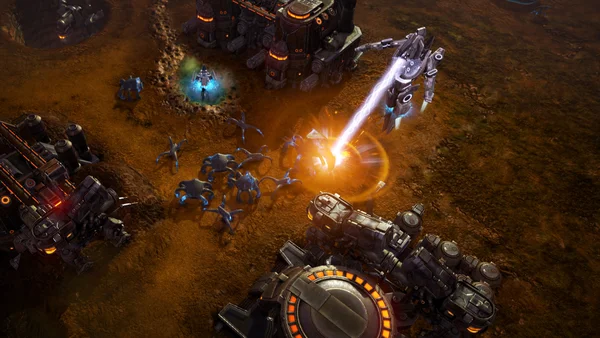
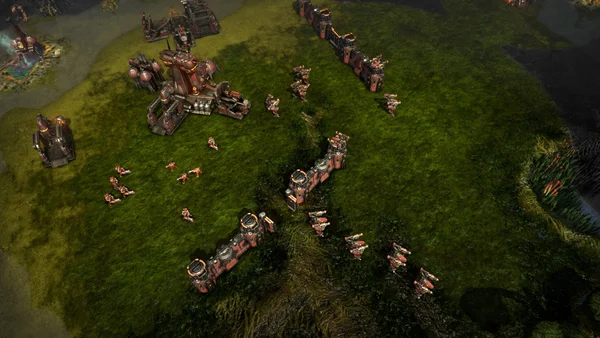
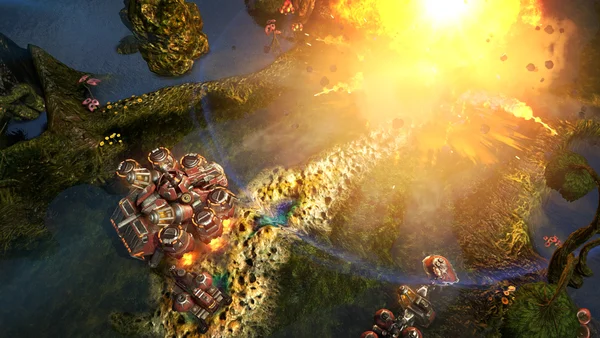
Grey Goo is a real-time strategy game that combines classic strategy mechanics and a balanced combat system with an emphasis on base-building. Intelligent lifeforms fight for the resources of a remote world, Ecosystem 9, and each must make the primal choice between extinction and evolution.
The single-player campaign lets you command three factions: the Humans, masters of defensive architecture; the Beta, a proud, versatile alien race; and the Goo, an enigmatic, highly mobile life form. Multiplayer adds a fourth faction, the unpredictable Shroud, which you also face in campaign Mission 16, Herald of Silence.
The three-mission Emergence mini-campaign follows Singleton after the explosion at the Terminal and reveals the Goo's true intentions, letting you play as Singleton, the game's first hero-tier unit. The soundtrack by Frank Klepacki with the Budapest Scoring Symphonic Orchestra contains all the music from the game.
The game also offers unit-altering tech upgrades, game-ending Epic units, skill-based matchmaking, LAN play, Replay and Observer modes and a map editor.
Only authorized users can leave a review
Sign in or registerNo reviews for this product yet
Be the first to leave a review