
Immortal Redneck - Steam (Europe)
- Product typeGame
- PlatformSteam
- RegionEuropeActivates only in: Åland Islands, Albania, Andorra, Austria, Belarus, Belgium, Bosnia & Herzegovina, Bulgaria, Croatia, Cyprus, Czechia, Denmark, Estonia, Faroe Islands, Finland, France, Germany, Gibraltar, Greece, Guernsey, Hungary, Iceland, Ireland, Isle of Man, Italy, Jersey, Kosovo, Latvia, Liechtenstein, Lithuania, Luxembourg, Malta, Moldova, Monaco, Montenegro, Netherlands, North Macedonia, Norway, Poland, Portugal, Romania, Russia, San Marino, Serbia, Slovakia, Slovenia, Spain, Svalbard & Jan Mayen, Sweden, Switzerland, Ukraine, United Kingdom, Vatican City
- LanguageEnglish, Russian, French, German, Spanish, Japanese, Portuguese, Chinese, Polish, Korean
- GenreAction / Indie
- Game modesSingleplayer
- Release dateApr 25, 2017
Product description
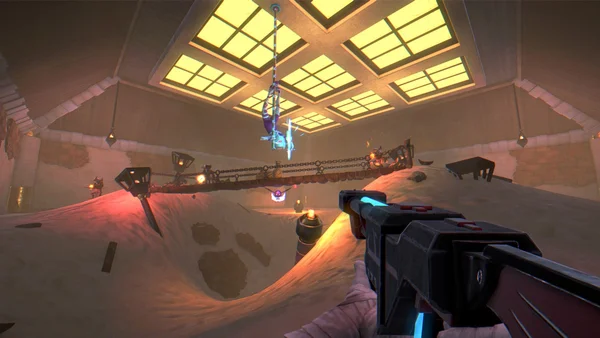
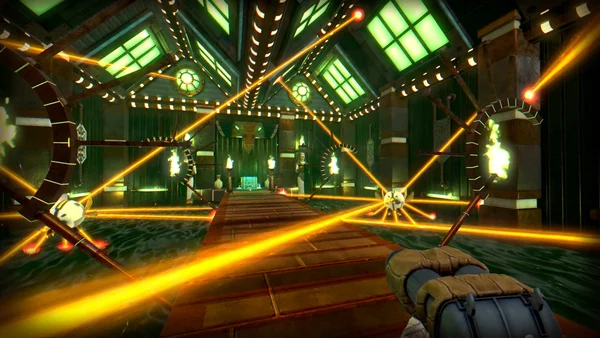
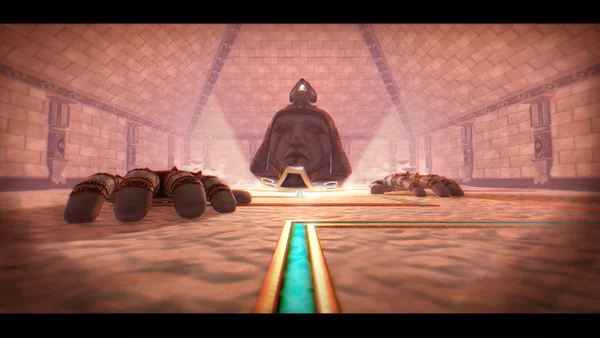
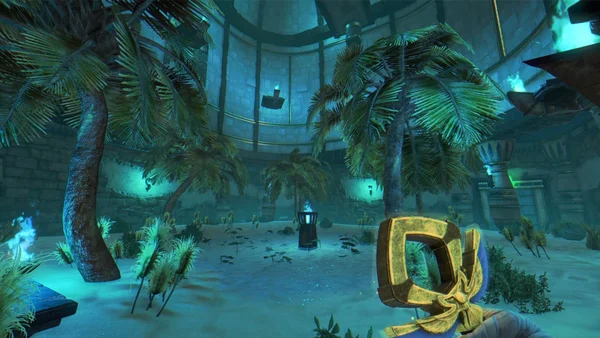
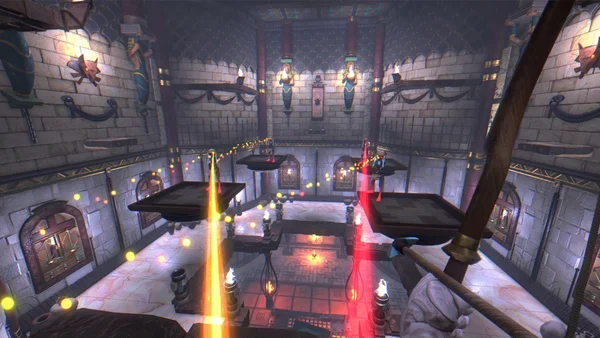
Immortal Redneck is a fast-paced first-person shooter with rogue-lite elements set in ancient Egypt. Players control a tourist who wakes up mummified in Egypt after an accident and must explore the dangerous pyramids of Giza.
The gameplay combines old-school arcade shooting with procedurally generated dungeons and permanent death mechanics. Players can choose from nine distinct classes, unlock upgrades through a deep skill tree, and utilize over 50 different weapons.
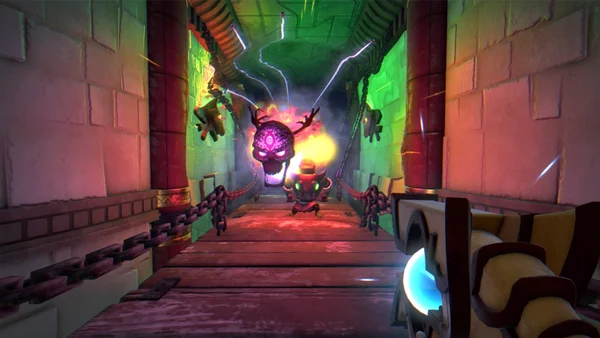
During runs, random scroll modifiers dynamically alter the experience with positive or negative effects. Numerous enemies and unique boss fights stand in the way of discovering the mystery behind the main character's mummification.
System specifications
Minimum requirements
- OS
- Windows 7, Windows 8 or Windows 10 64bit
- Processor
- Intel i3 2nd-Generation 2.5GHz
- RAM
- 2 GB RAM
- Graphics card
- NVIDIA GeForce GTX650 or equivalent with 2GB VRAM
- DirectX
- Network
- Storage
- 7 GB available space
- Additional
Recommended requirements
Activation instructions
Activation in Steam
- Launch the Steam client and sign in.
- Click “+ Add a Game” in the bottom-left corner of the window (or open the “Games” menu at the top).
- Choose “Activate a Product on Steam”.
- Enter the key you received and follow the on-screen instructions.
Customer reviews
Only authorized users can leave a review
Sign in or registerNo reviews for this product yet
Be the first to leave a review