Currency
0₴549

Nothing found
Try a different query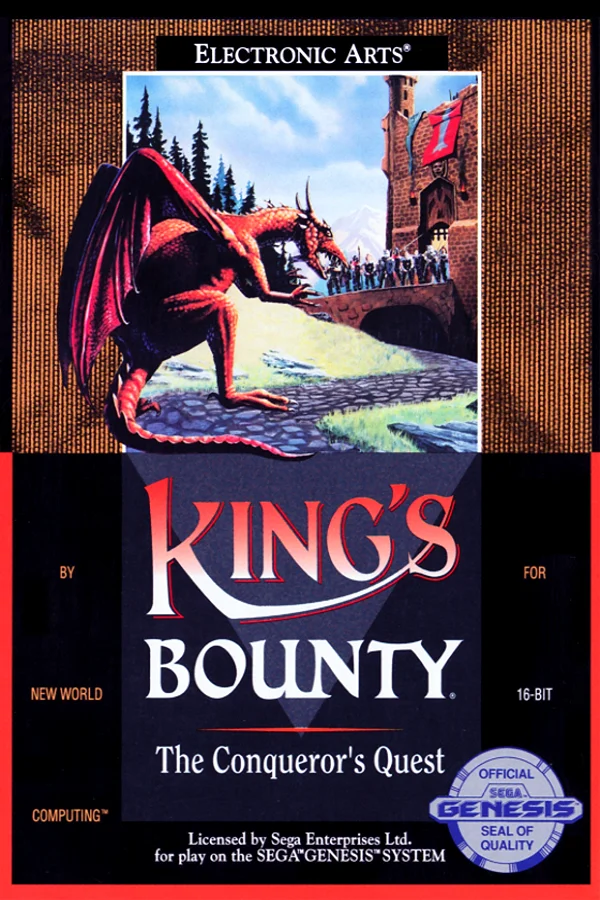

The edition includes:
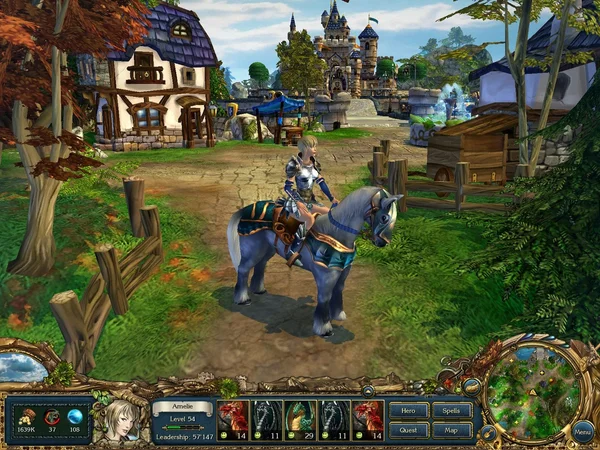
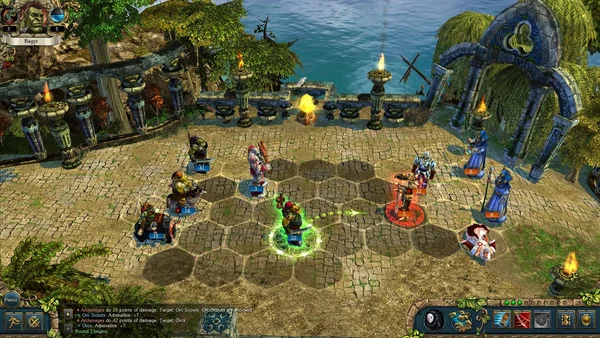
King's Bounty is a series of fantasy role-playing games that combine real-time exploration with turn-based tactical battles. Players lead a hero through towns, wilderness and dungeons, complete quests, recruit armies of different creatures and win battles through positioning, magic and troop morale.
In The Legend, a royal treasure hunter explores the lands of Endoria as a Warrior, Paladin or Mage. In Armored Princess, Princess Amelie travels across Teana in search of the knight Bill Gilbert, accompanied by a pet dragon that grows alongside her. Crossworlds is a standalone expansion with the full Armored Princess campaign, the Orcs on the March expansion, two mini-campaigns and a world editor.
In Warriors of the North, the Viking Olaf defends the northern lands of Endoria from an undead army with Rune Magic and the help of Valkyries. The Ice and Fire add-on brings unit experience, the Snow Elves faction, new enemies and new locations.
In Dark Side, players take the side of evil as one of three dark heroes: an Orc, a Vampire or a Demoness. The Premium Edition Upgrade adds the Dark Side Cookies bonus content with the Clot of Darkness amulet, two locations and over a dozen extra quests.
Only authorized users can leave a review
Sign in or registerNo reviews for this product yet
Be the first to leave a review