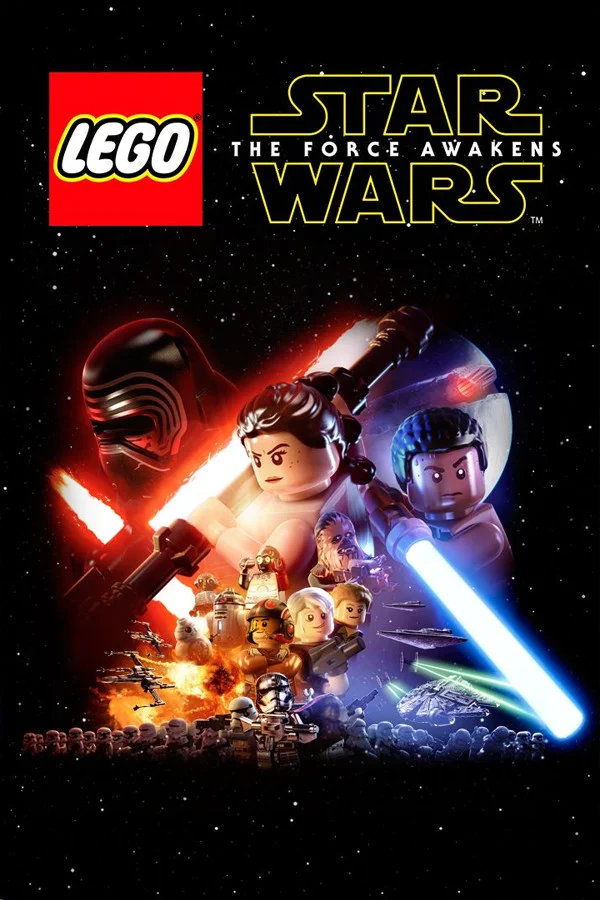
LEGO STAR WARS: The Force Awakens - Deluxe Edition - Steam (Global)
- Product typeGame
- PlatformSteam
- RegionGlobalActivates everywhere except: Belarus, Russia
- LanguageEnglish, Russian, French, Italian, German, Spanish, Danish, Dutch, Polish, Portuguese
- GenreAdventure
- Game modesSingleplayer, Multiplayer, Split screen
- Release dateJun 27, 2016
Product description
The edition includes:
- LEGO STAR WARS: The Force Awakens
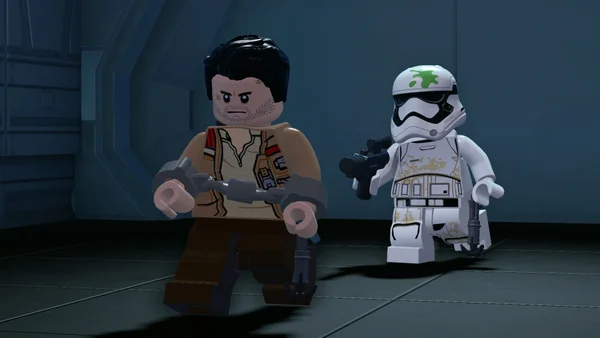
- LEGO Star Wars: The Force Awakens - Season Pass: the Jakku: Poe's Quest for Survival, First Order Siege of Takodana and Escape From Starkiller Base level packs and five character packs, including the exclusive Jedi Character Pack
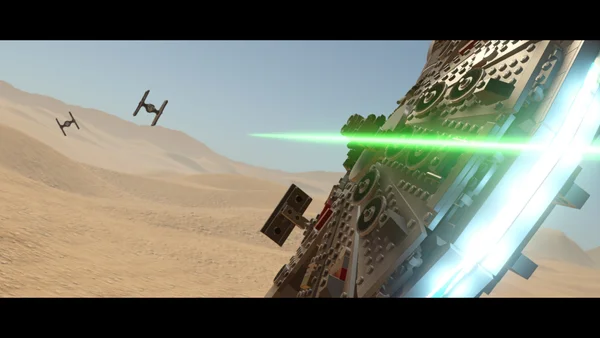
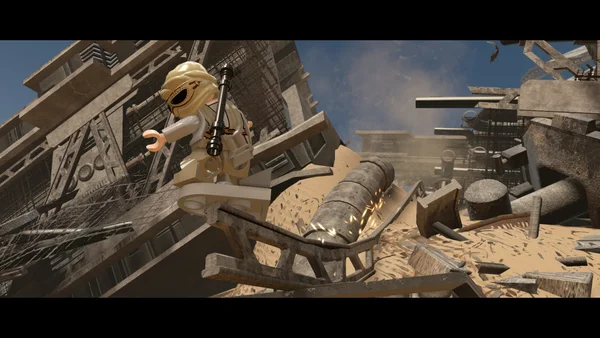
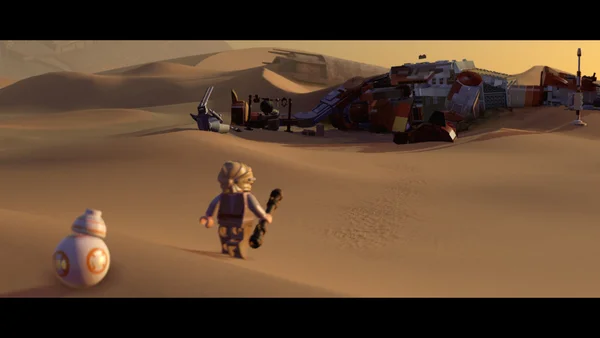
LEGO STAR WARS: The Force Awakens retells the events of the film Star Wars: The Force Awakens in the signature LEGO style and humour. It also features brand new story content that explores the time between Return of the Jedi and The Force Awakens.
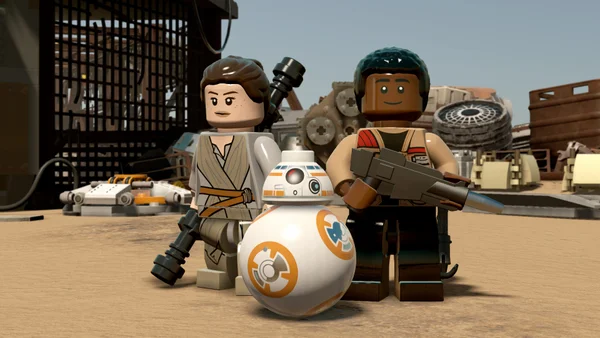
Players can control all of the characters from the movie, including Rey, Finn, Poe Dameron, Han Solo, Chewbacca, C-3PO and BB-8, as well as Kylo Ren, General Hux and Captain Phasma.
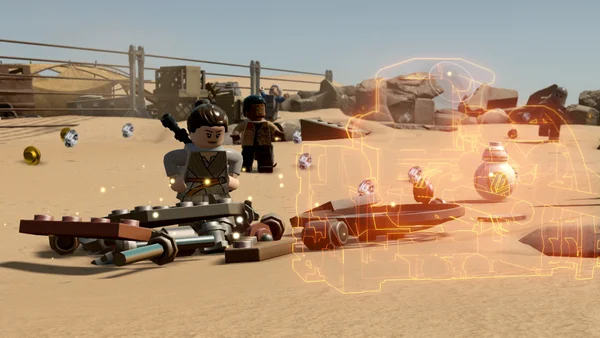
New mechanics include the enhanced Multi-Builds system, where players choose between several building options to advance, and Blaster Battles that use the surrounding environment as cover against the First Order. The Season Pass level packs show key events from the film in a new way: Poe's return to the Resistance from Jakku, the assault on Takodana led by Kylo Ren and the collapse of Starkiller Base.
System specifications
Minimum requirements
- OS
- Windows XP/Vista/7/8/10
- Processor
- Intel Core 2 Quad Q6600 (2.4 GHz) / AMD Phenom x4 9850 (2.5 GHz)
- RAM
- 4 GB RAM
- Graphics card
- GeForce GT 430 (1024 MB)/ Radeon HD 6850
- DirectX
- Network
- Storage
- 14 GB
- Additional
Recommended requirements
- OS
- Windows XP/Vista/7/8/10
- Processor
- Intel i5, 4 x 2.6 GHz or AMD equivalent
- RAM
- 4 GB RAM
- Graphics card
- NVIDIA GeForce GTX 480 or ATI Radeon HD 5850 or better, 1Gb RAM
- Storage
- 14 GB
Activation instructions
Activation in Steam
- Launch the Steam client and sign in.
- Click “+ Add a Game” in the bottom-left corner of the window (or open the “Games” menu at the top).
- Choose “Activate a Product on Steam”.
- Enter the key you received and follow the on-screen instructions.
Customer reviews
Only authorized users can leave a review
Sign in or registerNo reviews for this product yet
Be the first to leave a review