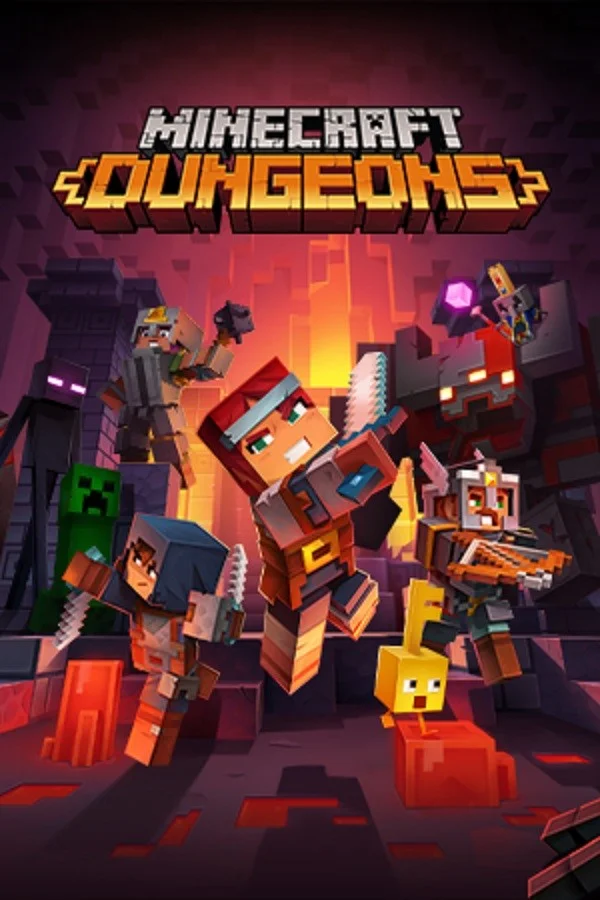


Minecraft: Dungeons Ultimate Edition - Microsoft (Japan)
- Product typeGame
- PlatformMicrosoft
- RegionJapanActivates only in: Japan
- LanguageEnglish, Russian, German, Spanish, French, Italian, Japanese, Korean, Polish, Portuguese, Chinese, Swedish
- GenreAction / Adventure
- Game modesCo-op, Singleplayer
- Release dateSep 22, 2021
Product description
The edition includes:
- Minecraft Dungeons
- Jungle Awakens DLC
- Creeping Winter DLC
- Howling Peaks DLC
- Flames of the Nether DLC
- Hidden Depths DLC
- Echoing Void DLC
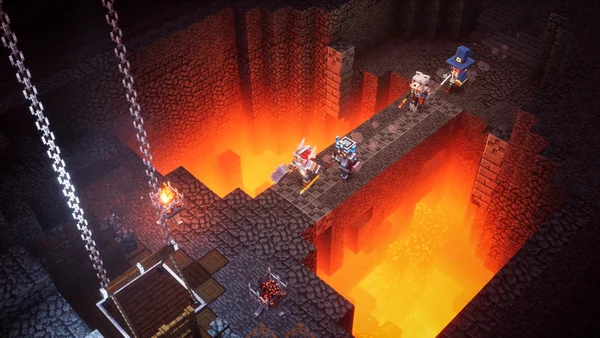
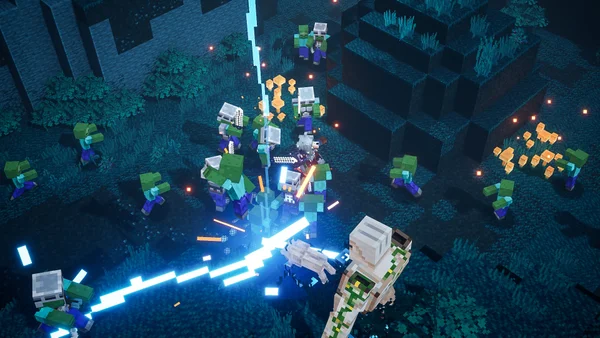
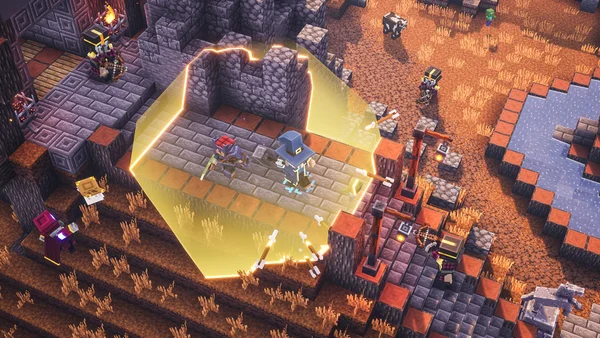
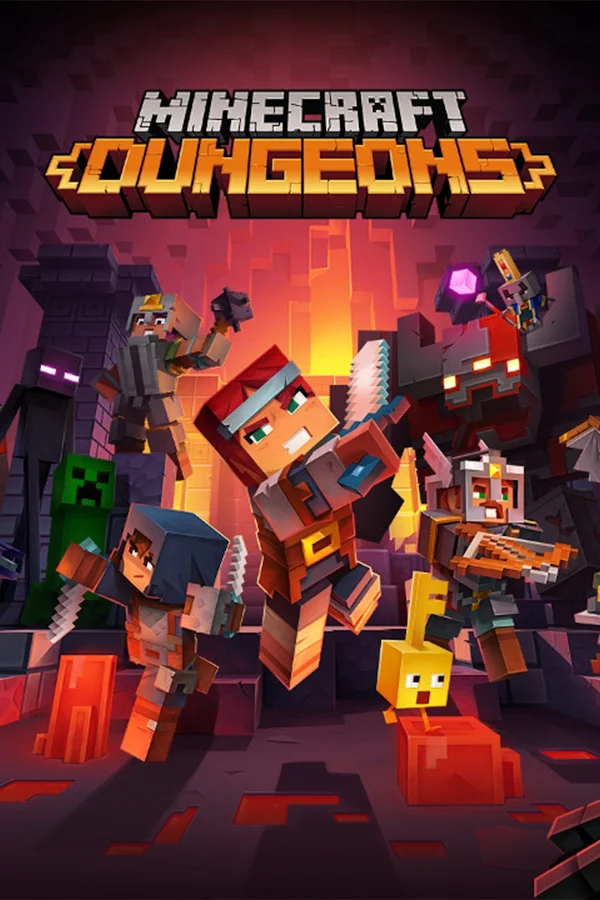
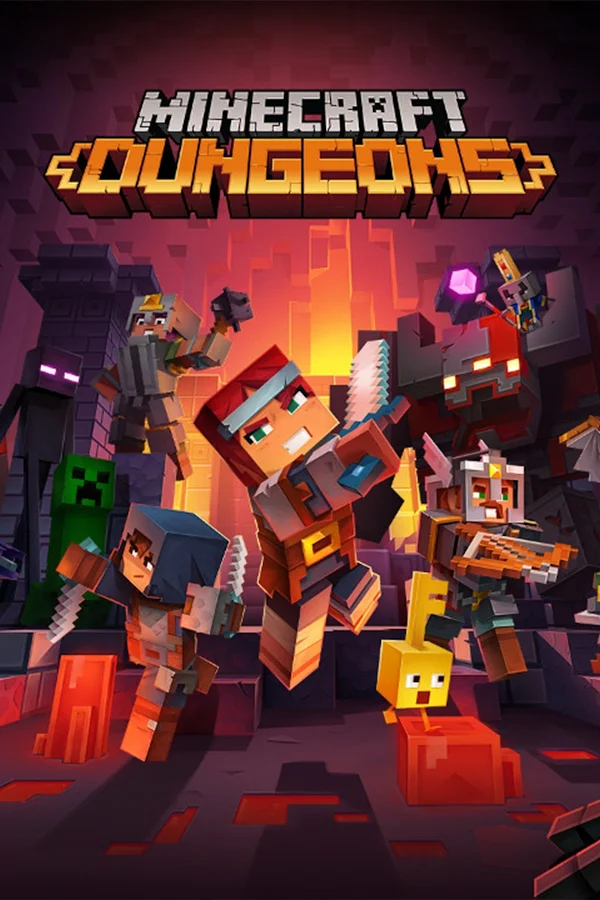
Minecraft Dungeons is an action-adventure game set in the Minecraft universe and inspired by classic dungeon crawlers. Players explore procedurally generated levels filled with enemies, hazards and treasures while following the story of the Arch-Illager and the Orb of Dominance.
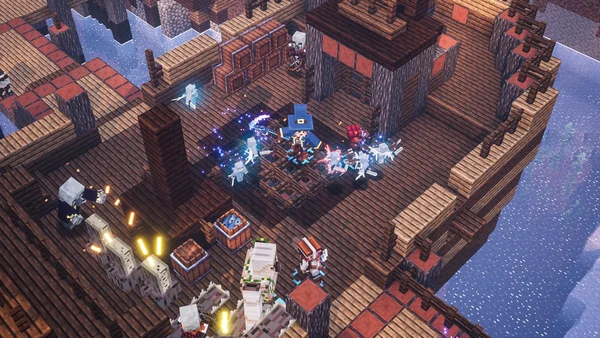
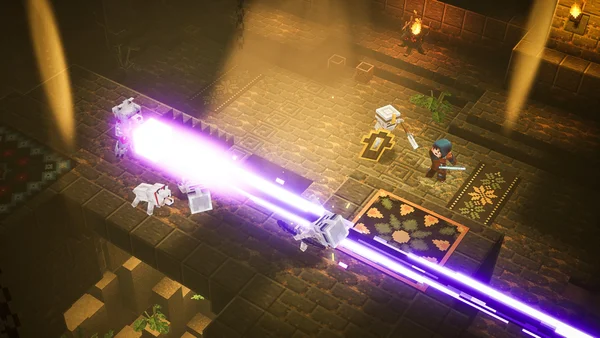
Combat relies on a wide variety of melee and ranged weapons, unique armour and artifacts. There is no class system, so character development depends on the equipment you find and its enchantments.
The Ultimate Edition covers the complete story from the beginning to the End, with six DLC taking heroes to jungles, frozen lands, mountain peaks, the Nether, the ocean depths and the End. The game supports cooperative play for up to four players locally or online.
System specifications
Minimum requirements
- OS
- Windows 10 (November 2019 Update or higher), 8 or 7 (64-bit with the latest updates; some functionality not supported on Windows 7 and 8)
- Processor
- Core i5 2.8GHz or equivalent
- RAM
- 8 GB RAM
- Graphics card
- NVIDIA GeForce GTX 660 or AMD Radeon HD 7870 or equivalent DX11 GPU
- Storage
- 6 GB available space
Recommended requirements
- OS
- Windows 10 (November 2019 Update or higher), 8 or 7 (64-bit with the latest updates; some functionality not supported on Windows 7 and 8)
- Processor
- Core i5 2.8GHz or equivalent
- RAM
- 8 GB RAM
- Graphics card
- NVIDIA GeForce GTX 660 or AMD Radeon HD 7870 or equivalent DX11 GPU
- Storage
- 6 GB available space
Activation instructions
Activation in the Microsoft Store
- Go to redeem.microsoft.com or open the Microsoft Store.
- Sign in to your Microsoft account.
- Choose Redeem code.
- Enter the 25-character code and confirm the activation.
Customer reviews
Only authorized users can leave a review
Sign in or registerNo reviews for this product yet
Be the first to leave a review