

Pillars of Eternity II: Deadfire - Obsidian Edition - Steam (Global)
- Product typeGame
- PlatformSteam
- RegionGlobalActivates everywhere except: Belarus, Belgium, Denmark, Germany, Russia
- LanguageEnglish, Russian, French, Italian, German, Spanish, Polish, Chinese, Portuguese
- GenreRPG
- Game modesSingleplayer
- Release dateMay 8, 2018
Product description
The edition includes:
- Pillars of Eternity II: Deadfire
- Beast of Winter
- Seeker, Slayer, Survivor
- The Forgotten Sanctum
- Explorer’s Pack: the original soundtrack, Defiant Apparel, Cosmo, the Space Pig, the Digital P&P Guide, the Hi-Res Digital Map and the Digital Guidebook, Vol. II
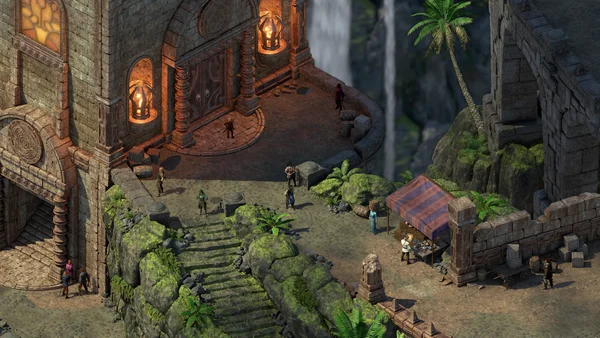
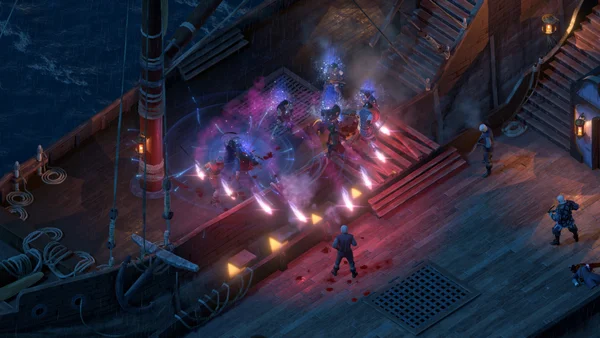
Pillars of Eternity II: Deadfire is the sequel to the role-playing game Pillars of Eternity. You pursue a rogue god over land and sea and captain your own ship on a dangerous voyage of discovery across the vast, unexplored Deadfire Archipelago.
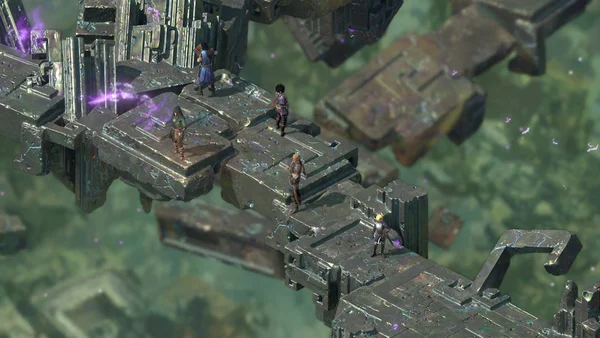
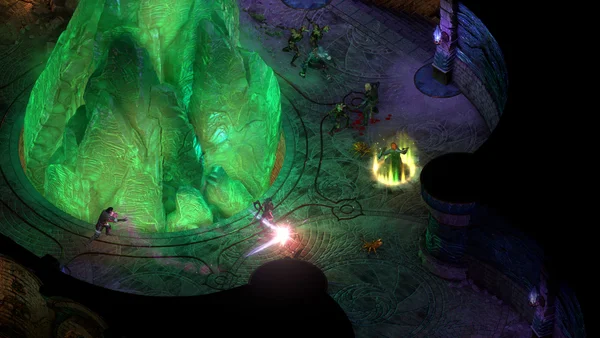
Create your character in detail, explore the islands freely, meet their inhabitants and take on quests at every port, with choices that truly matter. Choose from seven companions, give each of them multiple classes and watch their relationships unfold.
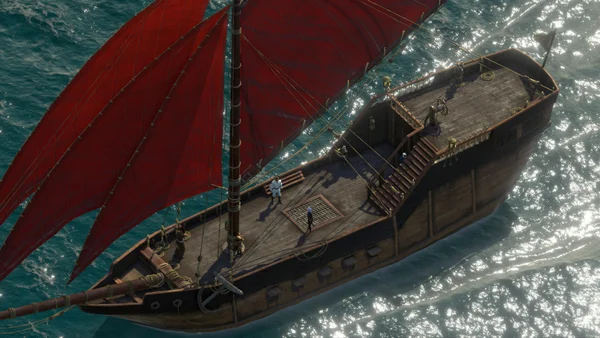
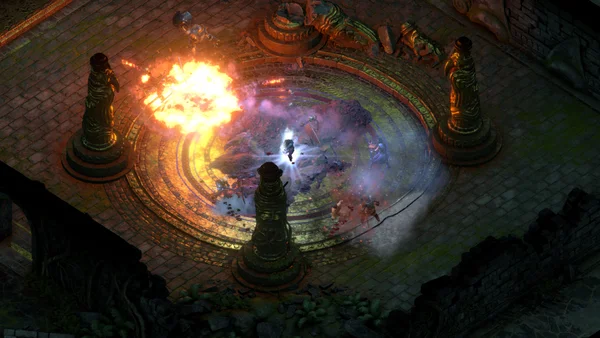
Your ship is your stronghold at sea: upgrade it, hire a crew and improve their skills to survive dangerous encounters. Combat can be played in the classic mode or in turn-based mode. Beast of Winter, Seeker, Slayer, Survivor and The Forgotten Sanctum add new adventures and challenges.
System specifications
Minimum requirements
- OS
- Windows Vista 64-bit or newer
- Processor
- Intel Core i3-2100T @ 2.50 GHz / AMD Phenom II X3 B73
- RAM
- 4 GB RAM
- Graphics card
- DirectX 11 Compatible
- DirectX
- Network
- Storage
- 45 GB available space
- Additional
Recommended requirements
- OS
- Windows 10 64-bit or newer
- Processor
- Intel Core i5-2400 @ 3.10 GHz / AMD Phenom II X6 1100T
- RAM
- 8 GB RAM
- Graphics card
- NVIDIA GeForce GTX 960
- Storage
- 45 GB available space
Activation instructions
Activation in Steam
- Launch the Steam client and sign in.
- Click “+ Add a Game” in the bottom-left corner of the window (or open the “Games” menu at the top).
- Choose “Activate a Product on Steam”.
- Enter the key you received and follow the on-screen instructions.
Customer reviews
Only authorized users can leave a review
Sign in or registerNo reviews for this product yet
Be the first to leave a review