
Stellaris: MegaCorp - Steam (Global)
- Product typeDLC
- PlatformSteam
- RegionGlobalActivates everywhere except: Belarus, Russia
- LanguageEnglish, Russian, French, German, Spanish, Polish, Portuguese, Chinese, Japanese, Korean
- GenreSimulation / Strategy
- Game modesSingleplayer, Multiplayer
- Release dateDec 6, 2018
Product description
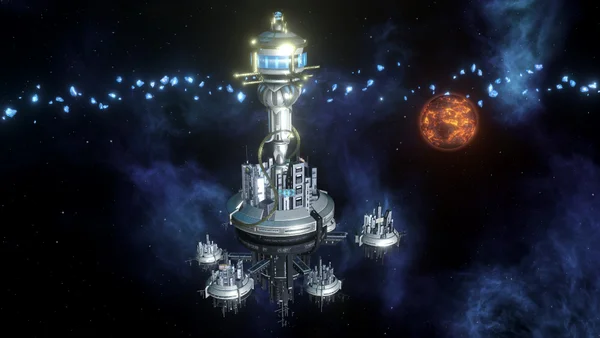
Stellaris: MegaCorp is an economy-focused expansion for the sci-fi grand strategy game Stellaris, ushering in an era of prosperity and profit on a galactic scale. Become the CEO of a powerful corporate empire and expand your operations across the stars.
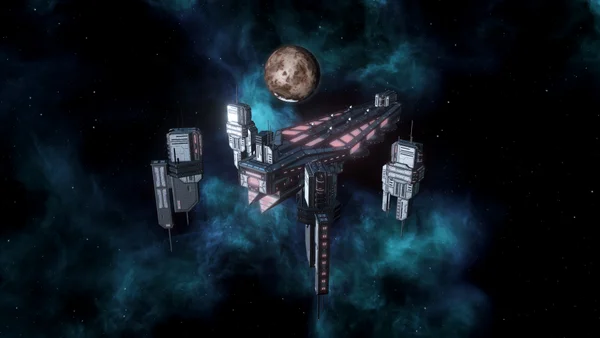
The new Corporate Authority and a host of new civics let a MegaCorp build Branch Offices on planets of empires it has trade agreements with, adding part of each planet's Trade Value to its own network.
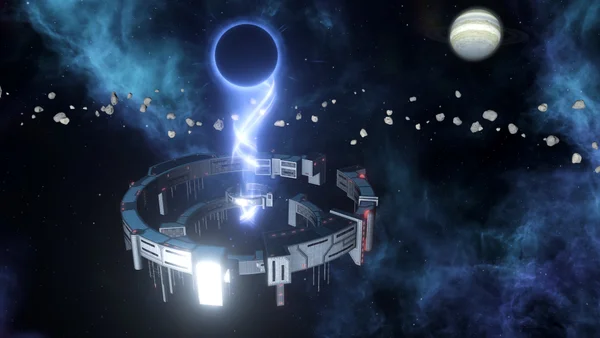
With Ecumenopolis, you can raise the population density of core worlds until they become planet-spanning megacities. New megastructures include the Matter Decompressor, the Mega-Art Installation, the Interstellar Assembly and the Strategic Coordination Center.
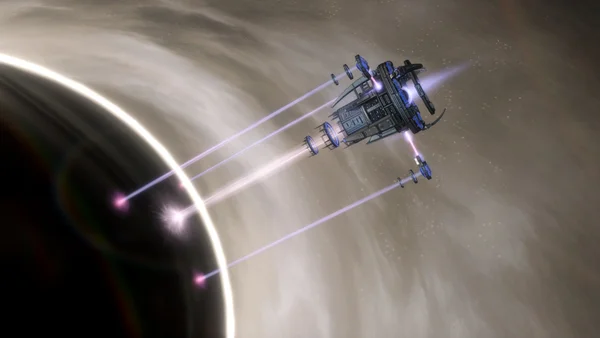
Keep an eye out for the Caravaneers, nomadic traders who stay out of galactic politics and always have a bargain to offer. The expansion also adds a galactic slave market, new Ascension perks, 3 advisors and 4 music tracks.
System specifications
Minimum requirements
- OS
- Windows 7 x86 or newer
- Processor
- AMD Athlon II X4 640 @ 3.0 Ghz / or Intel Core 2 Quad 9400 @ 2.66 Ghz
- RAM
- 2 GB RAM
- Graphics card
- AMD HD 5770 / or Nvidia GTX 460, with 1024MB VRAM. Latest available WHQL drivers from both manufacturers.
- DirectX
- soundCard: Direct X 9.0c- compatible sound card, directx: Version 9.0c
- Network
- soundCard: Direct X 9.0c- compatible sound card, directx: Version 9.0c
- Storage
- 4 GB available space
- Additional
- soundCard: Direct X 9.0c- compatible sound card, directx: Version 9.0c
Recommended requirements
- OS
- Windows 7 x64 or newer
- Processor
- AMD Phenom II X4 850 @ 3.3 Ghz or Intel i3 2100 @ 3.1 Ghz
- RAM
- 4 GB RAM
- Graphics card
- AMD HD 6850 / or Nvidia GTX 560TI, with 1024MB VRAM
- Storage
- 4 GB available space
Activation instructions
Activation in Steam
- Launch the Steam client and sign in.
- Click “+ Add a Game” in the bottom-left corner of the window (or open the “Games” menu at the top).
- Choose “Activate a Product on Steam”.
- Enter the key you received and follow the on-screen instructions.
Customer reviews
Only authorized users can leave a review
Sign in or registerNo reviews for this product yet
Be the first to leave a review