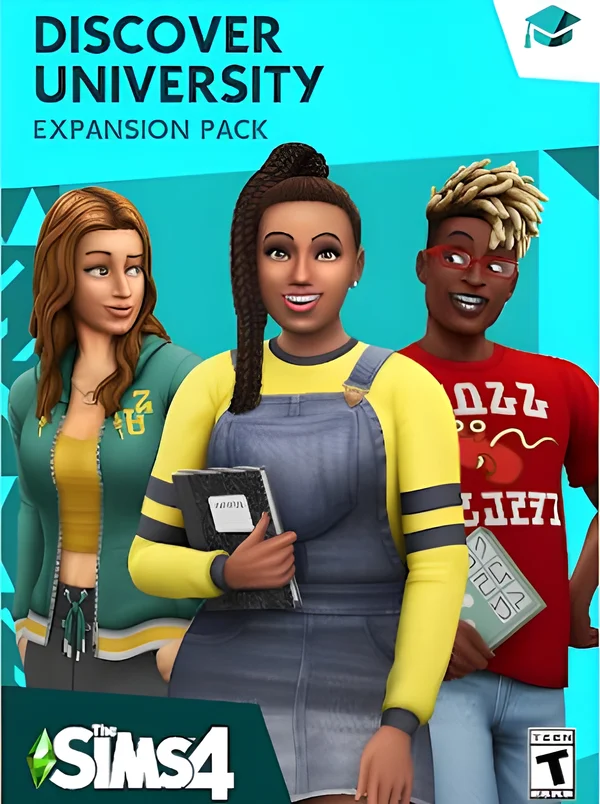
The Sims 4 Discover University - EA (Global)
- Product typeDLC
- PlatformElectronic Arts
- RegionGlobalActivates everywhere except: Belarus, Russia
- LanguageEnglish, Russian, French, Italian, German, Spanish, Czech, Danish, Dutch, Finnish, Japanese, Korean, Norwegian, Polish, Portuguese, Swedish, Chinese, Turkish
- GenreSimulation
- Game modesSingleplayer
- Release dateNov 15, 2019
Product description
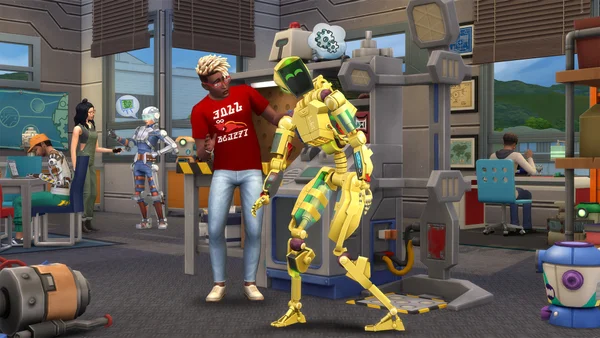
Explore all the experiences college has to offer and embark on a new educational journey. Your Sims can enroll in various classes to set themselves up for success in engineering, education, law, or other careers.
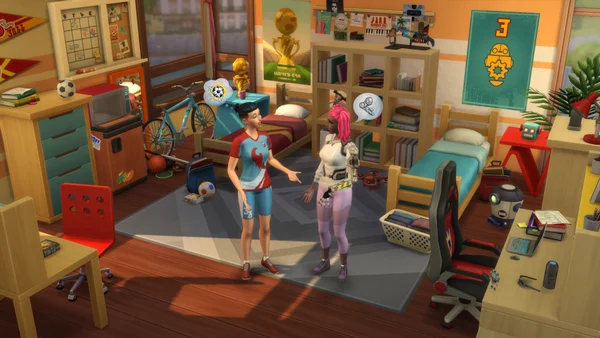
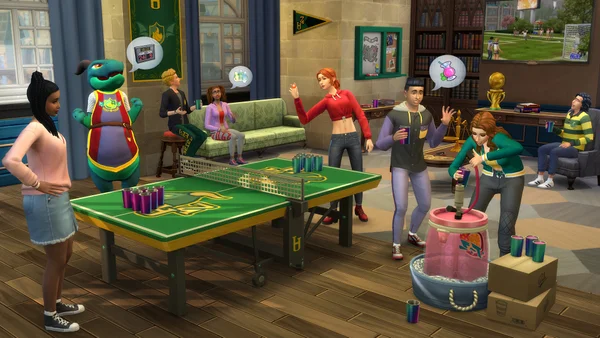
Settle into a dorm room or live off-campus, immerse yourself in campus life, and attend lectures. Enjoy extracurricular activities, meet new people, develop skills, and manage your time between studying and leisure.
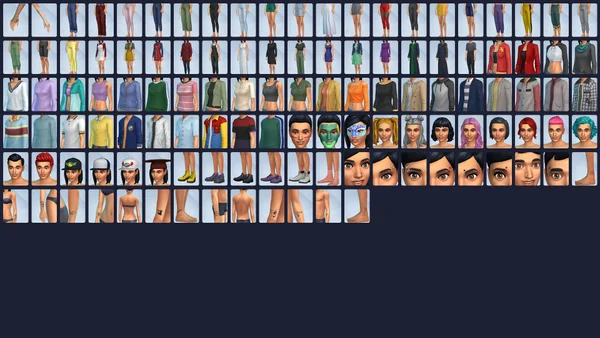
Choose between the historical University of Britechester and the modern Foxbury Institute. Customize your Sim's space with dorm room decor and express your personal style with new clothing options.
System specifications
Minimum requirements
- OS
- 64 Bit Required. Windows 7 (SP1), Windows 8, Windows 8.1, or Windows 10
- Processor
- 1.8 GHz Intel Core 2 Duo, AMD Athlon 64 Dual-Core 4000+ or equivalent (For computers using built-in graphics chipsets, the game requires 2.0 GHz Intel Core 2 Duo, 2.0 GHz AMD Turion 64 X2 TL-62 or equivalent)
- RAM
- At least 4 GB RAM
- Graphics card
- 128 MB of Video RAM and support for Pixel Shader 3.0. Supported Video Cards: NVIDIA GeForce 6600 or better, ATI Radeon X1300 or better, Intel GMA X4500 or better
- DirectX
- Network
- Storage
- At least 15 GB of free space with at least 1 GB additional space for custom content and saved games
- Additional
Recommended requirements
- OS
- 64 Bit Windows 7, 8, 8.1, or 10
- Processor
- Intel core i5 or faster, AMD Athlon X4
- RAM
- 4 GB RAM
- Graphics card
- NVIDIA GTX 650 or better
- Storage
- 18 GB of Hard Drive space
Activation instructions
Activation in the EA app
Note: make sure you are signed in to the account you are going to play on: once activated, the game cannot be moved to another account.
- Launch the EA app and sign in.
- Go to Library.
- Click Redeem Code.
- Enter the product key and click “Next”.
- Alternatively, you can redeem the key in a browser at ea.com/redeem.
Customer reviews
Only authorized users can leave a review
Sign in or registerNo reviews for this product yet
Be the first to leave a review