Currency
0₴549

Nothing found
Try a different query

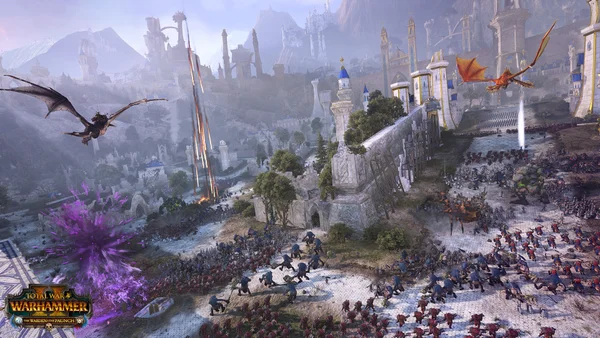
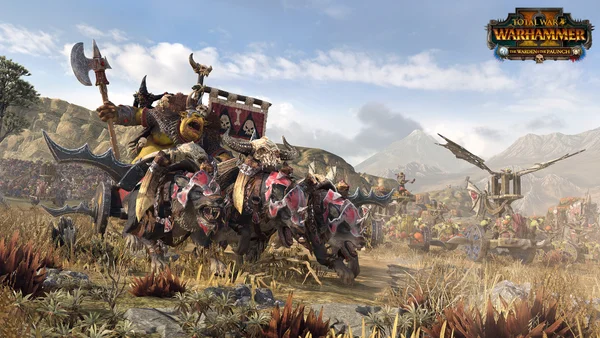
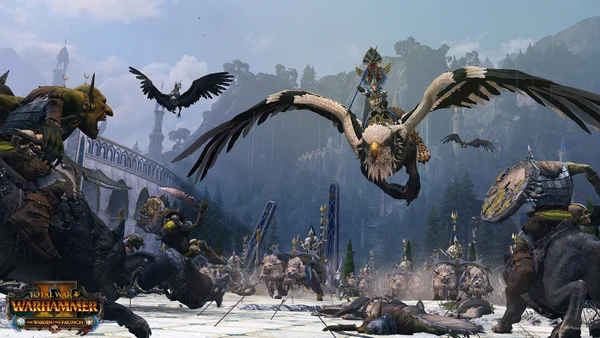
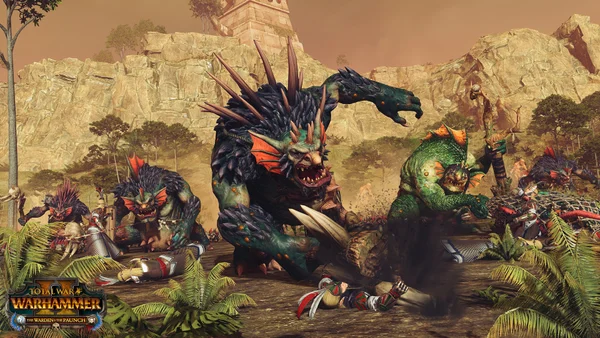
Total War: WARHAMMER II - The Warden & The Paunch is a Lords Pack that introduces two rival Legendary Lords from the world of Warhammer Fantasy Battles, each with their own faction, objectives, mechanics, units and playstyle. Both can be used in the Eye of the Vortex and Mortal Empires campaigns and in custom and multiplayer battles. Neither faction takes part in the Vortex race: they are eternal nemeses on a collision course to a final showdown.
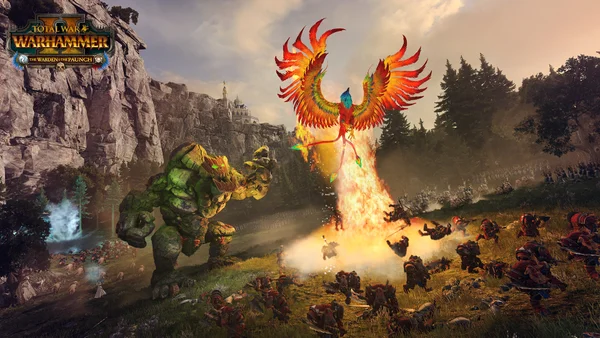
Eltharion the Grim, the Warden of Tor Yvresse, commands Yvresse (High Elves). He rebuilds his ruined base of Athel Tamarha, where enemy Heroes and Lords captured with his Warden's Cage ability are imprisoned for interrogation, shrouds his lands in the Mist of Yvresse to strengthen his troops, and gradually fortifies Tor Yvresse. New High Elf characters and units include the Archmage lord, Rangers, Silverin Guard, War Lions of Chrace, the Lion Chariot of Chrace and the Arcane Phoenix.
Grom the Paunch leads the Broken Axe tribe (Greenskins). He gathers ingredients across the world and combines them in Grom's Cauldron to cook dishes that give him and his army special powers, while the disembodied head of his shaman Blacktoof offers guidance. New Greenskin units include Snotling Pump Wagons, River Trolls, Stone Trolls and the Rogue Idol.
Only authorized users can leave a review
Sign in or registerNo reviews for this product yet
Be the first to leave a review